
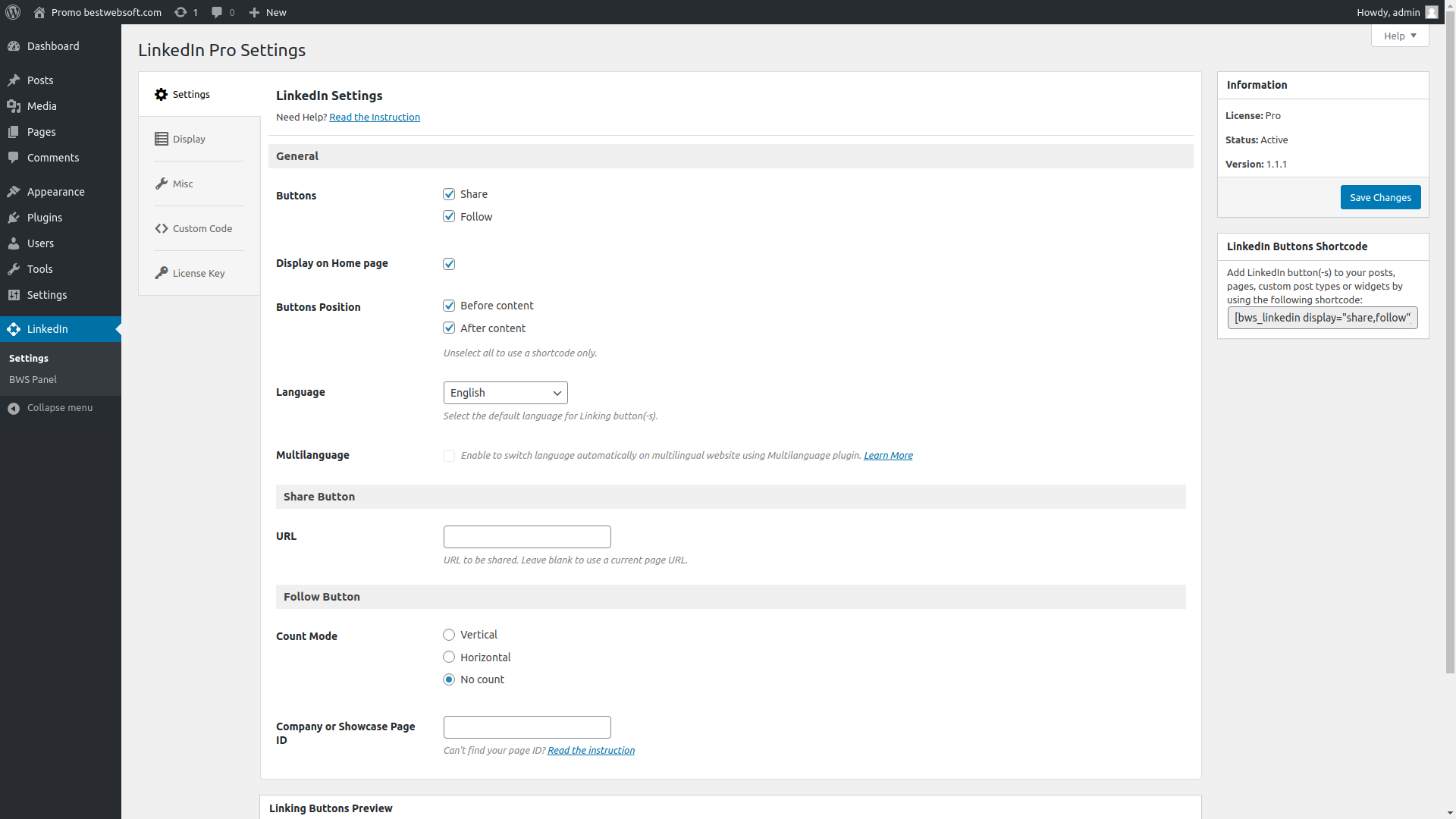
BestWebSoft’s LinkedIn plugin is a useful social tool which adds Follow and Share buttons to your WordPress website posts, pages or widgets. This is a great way to drop the whole LinkedIn functionality in your website and consumer validation for your brand.
Customize the appearance, configure settings, and enable other advanced options to promote your public profile!
Free Features
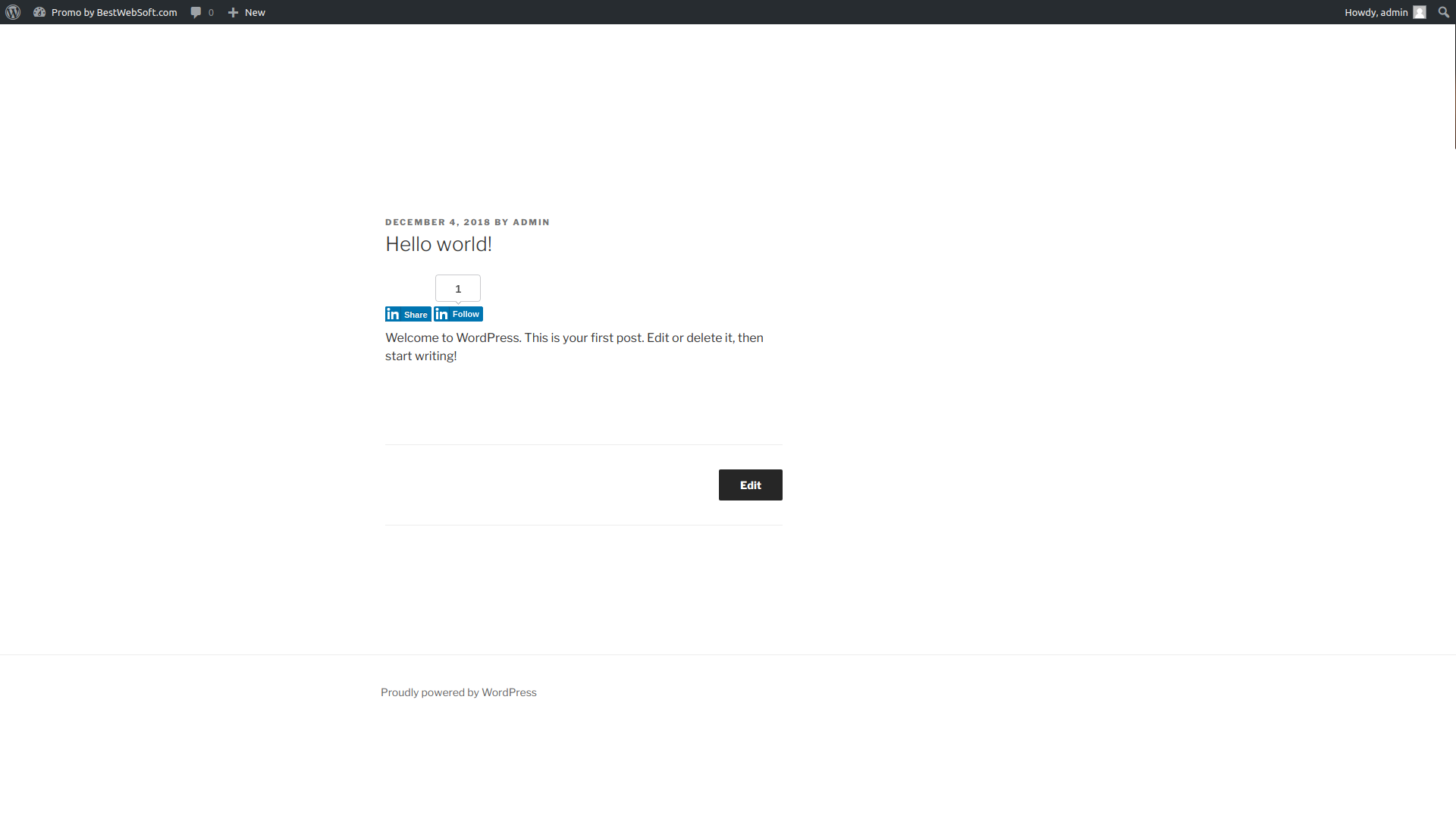
Add LinkedIn buttons such as:
Share
Follow
Automatically display buttons on:
Posts
Pages
Homepage
Select the button position:
Before content
After content
Before and after content
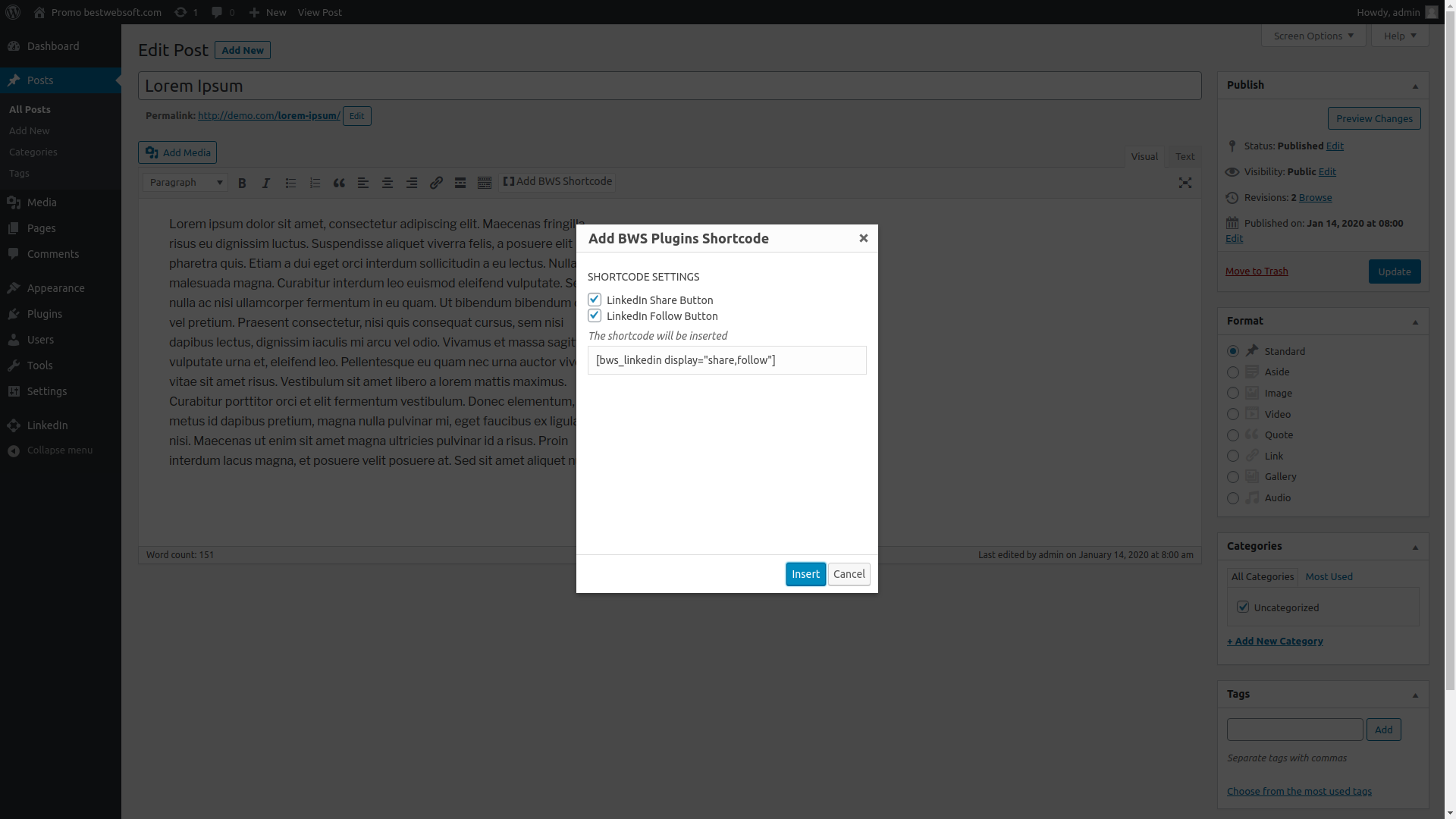
Custom position (using shortcode)
Compatible with Multilanguage (current website language detection)
Choose the count mode for Share and Follow buttons:
Vertical
Horizontal
No-count
Add custom code via plugin settings page
Compatible with latest WordPress version
Incredibly simple settings for fast setup without modifying code
Detailed step-by-step documentation and videos
Pro Features
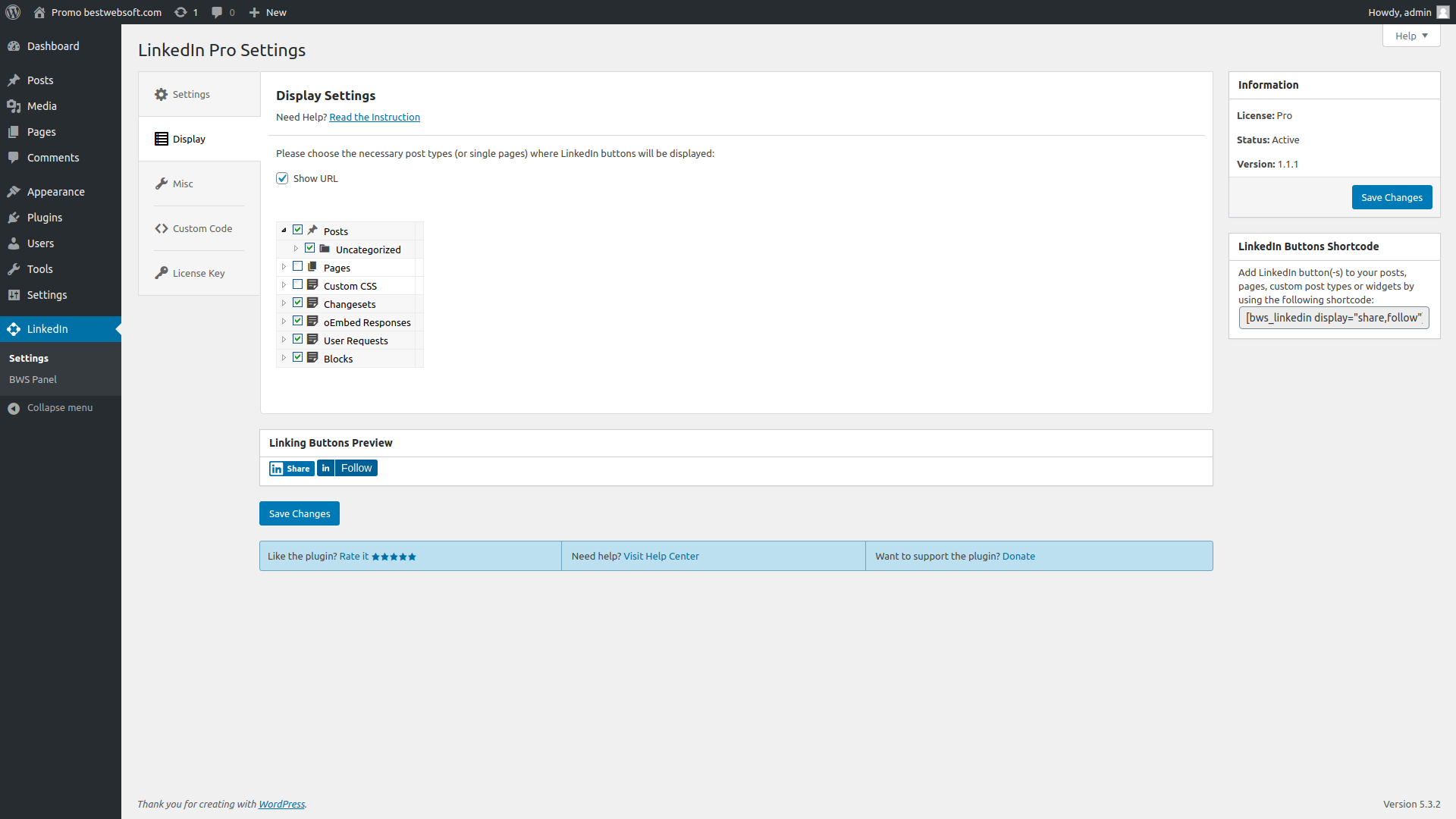
Display LinkedIn buttons for certain pages and/or post types
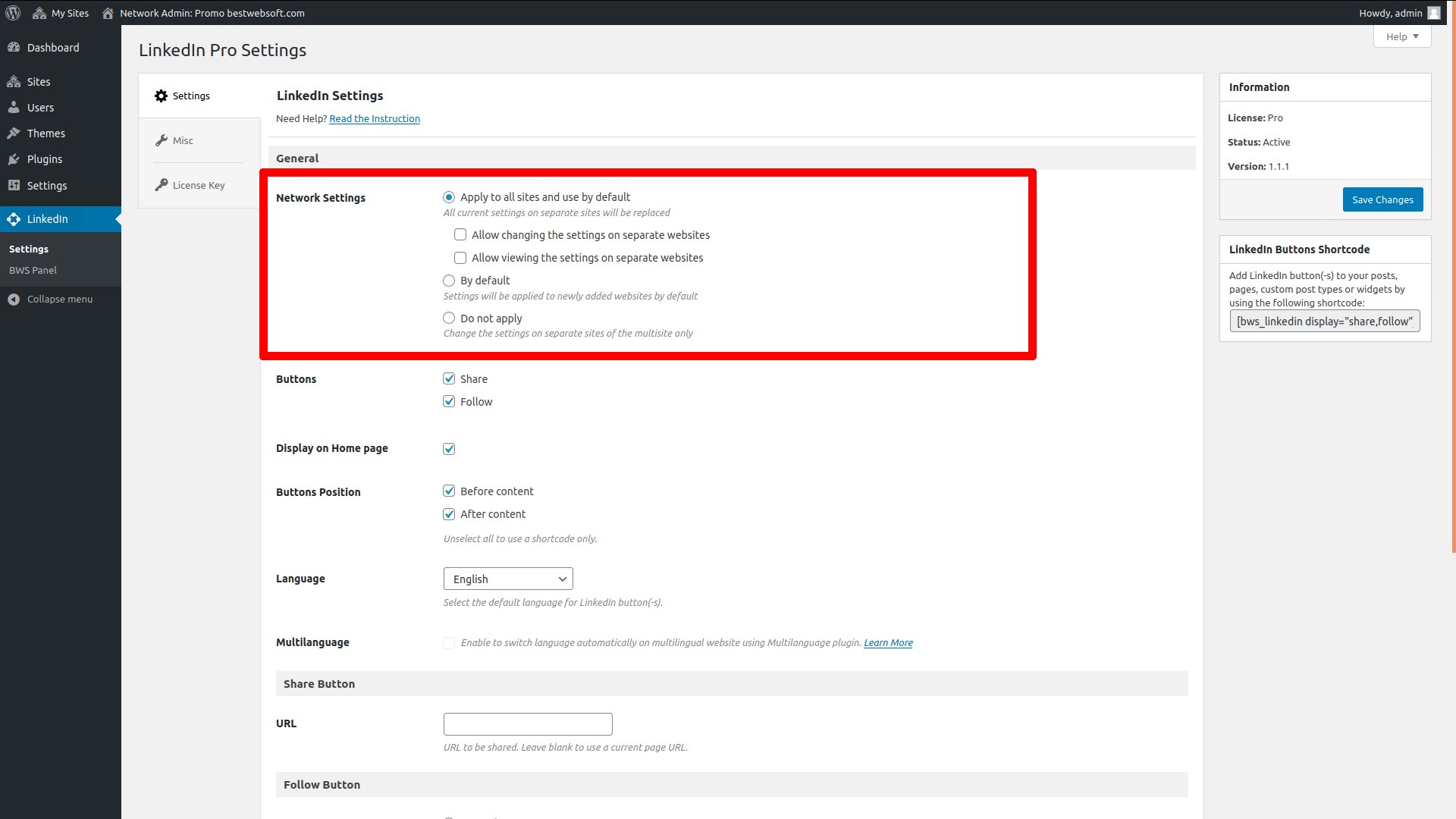
Configure all subsites on the network
Get answer to your support question within one business day
* Update : All functionality was updated for WordPress 5.3.2.
* Update : Plugin was renamed.
V1.1.0 – 4.09.2019
* Update: The deactivation feedback has been changed. Misleading buttons have been removed.
V1.0.9 – 18.12.2018
* Update : All functionality was updated for WordPress 5.0.1.
* Update : The counter for share button has been removed.
* Bugfix : Fixed small bugs.
V1.0.8 – 28.03.2018
* Bugfix : LinkedIn Widgets menu has been fixed.
* Update : Czech language file has been updated.
V1.0.7 – 21.12.2017
* Bugfix : Options removal from the database when working on a multisite network has been fixed.
* Bugfix : Compatibility with Multilanguage plugin by BestWebSoft has been fixed.
* Update : Czech language file has been updated.
V1.0.6 – 12.07.2017
* Update : The plugin settings page has been updated.
* NEW : Preview was added.
* NEW : Ability to set custom URL for Share button was added.
V1.0.5 – 17.04.2017
* Bugfix : Multiple Cross-Site Scripting (XSS) vulnerability was fixed.
* NEW : Czech language file is added.
V1.0.4 – 21.11.2016
* Update : Compatibility with Pagination plugin was added.
* Update : Tree of site pages was updated.
V1.0.3 – 09.08.2016
* Update : All functionality for WordPress 4.6 was updated.
V1.0.2 – 21.06.2016
* Update : Instruction link was added.
* Update : BWS plugins section is updated.
V1.0.0 – 25.05.2016
* NEW: Ability to exclude certain pages or post types from adding the LinkedIn button.
* NEW: Multisite functionality that allows setting all subsites from the network.
* Update : All functionality was updated for WordPress 5.3.2.
* Update : Plugin was renamed.
V1.1.0 – 4.09.2019
* Update: The deactivation feedback has been changed. Misleading buttons have been removed.
V1.0.9 – 18.12.2018
* Update : All functionality was updated for WordPress 5.0.1.
* Update : The counter for share button has been removed.
* Bugfix : Fixed small bugs.
V1.0.8 – 28.03.2018
* Bugfix : LinkedIn Widgets menu has been fixed.
* Update : Czech language file has been updated.
V1.0.7 – 21.12.2017
* Bugfix : Options removal from the database when working on a multisite network has been fixed.
* Bugfix : Compatibility with Multilanguage plugin by BestWebSoft has been fixed.
* Update : Czech language file has been updated.
V1.0.6 – 12.07.2017
* Update : The plugin settings page has been updated.
* NEW : Ability to set custom URL for Share button was added.
V1.0.5 – 17.04.2017
* Bugfix : Multiple Cross-Site Scripting (XSS) vulnerability was fixed.
* NEW : Czech language file is added.
V1.0.4 – 21.11.2016
* Update : Compatibility with Pagination plugin was added.
V1.0.3 – 10.08.2016
* Update : All functionality for WordPress 4.6 was updated.
V1.0.2 – 21.06.2016
* Update : Instruction link was added.
* Update : BWS plugins section is updated.
V1.0.1 – 26.05.2016
* Update : The filter for widget title has been added.
V1.0.0 – 06.05.2016
* Bugfix : The code refactoring was performed.
* NEW : Css-style was added.